
Download Eztoo Video Converter – video converter, convert video, video format, batch conversion, editing tools
Overview
Eztoo Video Converter is a utility application designed to simplify the process of converting video files across a wide range of formats. Its primary purpose is to enable users to transform video files into compatible formats suitable for various devices, including smartphones and gaming consoles. This tool addresses common challenges associated with format incompatibility, which often hinder smooth playback on different platforms. The app is especially useful for users who frequently transfer media between devices or manage large video libraries.
Target users include individuals who need a straightforward solution for format conversion without requiring advanced technical knowledge. While the developer, Eztoo, has not provided additional background details, the application’s long-standing presence since its release in 2013 suggests a stable and reliable tool within the utilities category. Real-world use cases include preparing videos for mobile playback, archiving content in standardized formats, or optimizing files for sharing across platforms.
Within the broader app ecosystem, Eztoo Video Converter fills a niche for lightweight, accessible video conversion tools. Despite being designed for PC, it remains relevant due to its efficiency and ease of use. The free pricing model enhances its accessibility, making it a practical choice for casual users and hobbyists alike.
Key Features & Functionality
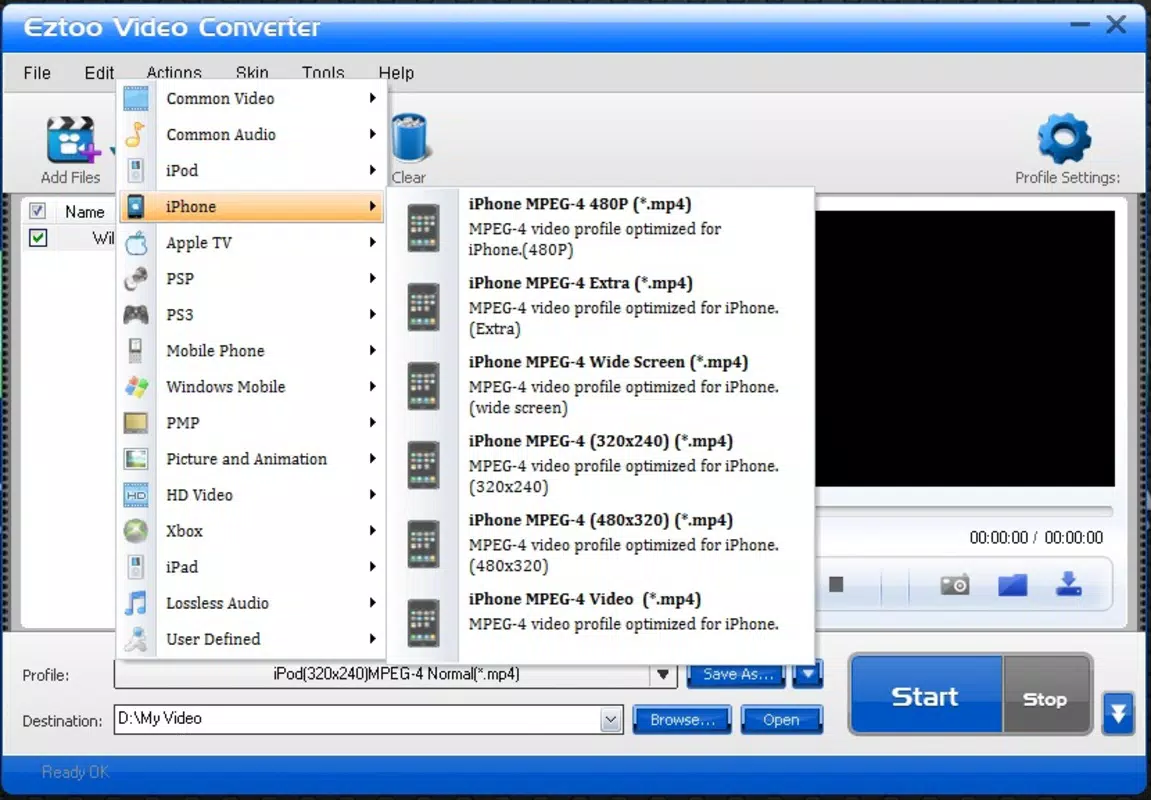
- Wide Format Support: The application supports multiple video formats such as AVI, MP4, and MKV, ensuring compatibility with a broad spectrum of devices and platforms. This allows users to convert content for use on smartphones, tablets, or gaming consoles without format restrictions.
- Batch Conversion: Users can select multiple video files and convert them simultaneously. This feature significantly reduces processing time and streamlines workflows when managing large media collections.
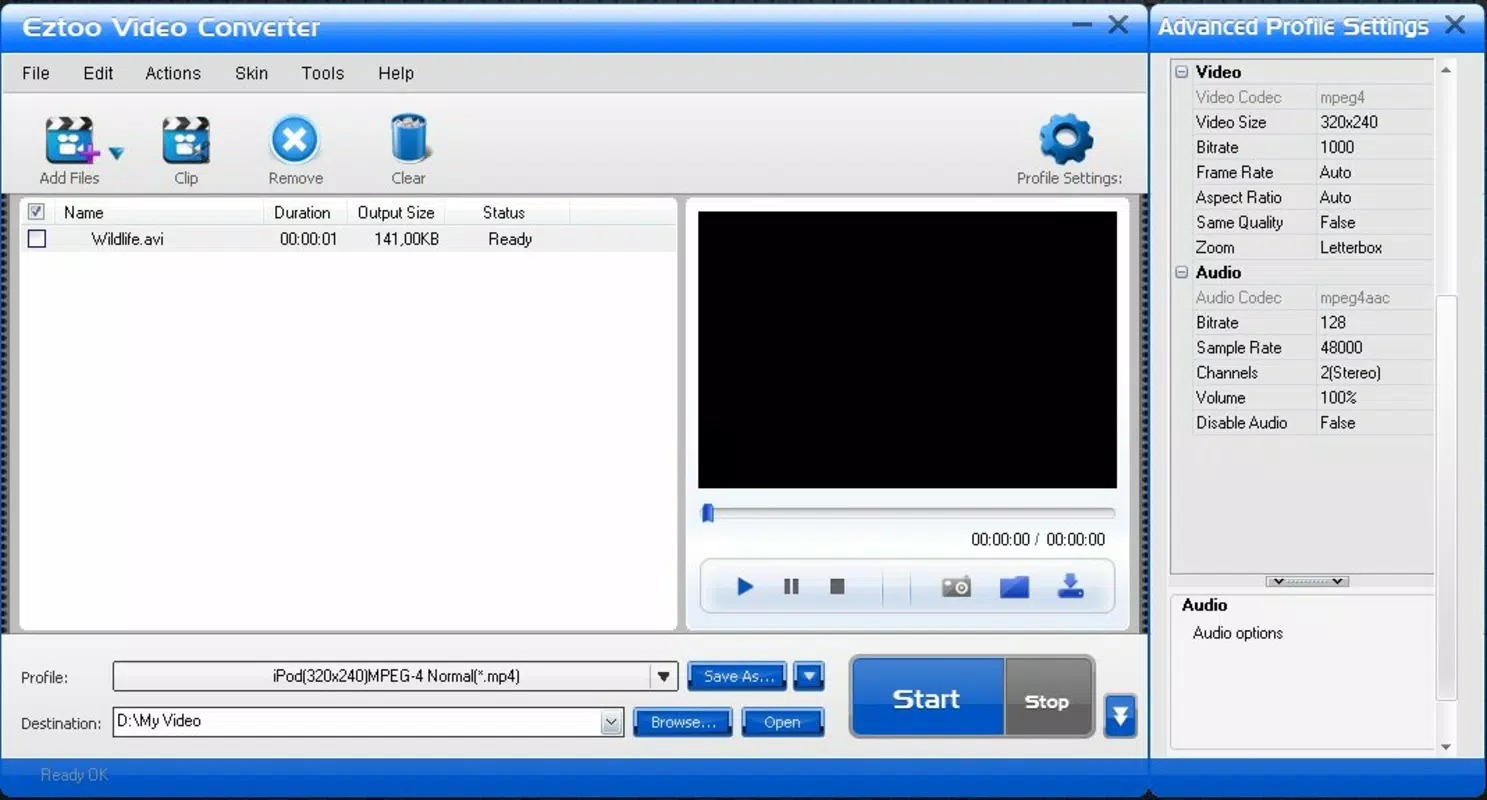
- User-Friendly Interface: The interface is designed for simplicity, enabling users to load files via drag-and-drop or a straightforward 'Add file' button. This low learning curve makes the tool accessible to beginners and non-technical users.
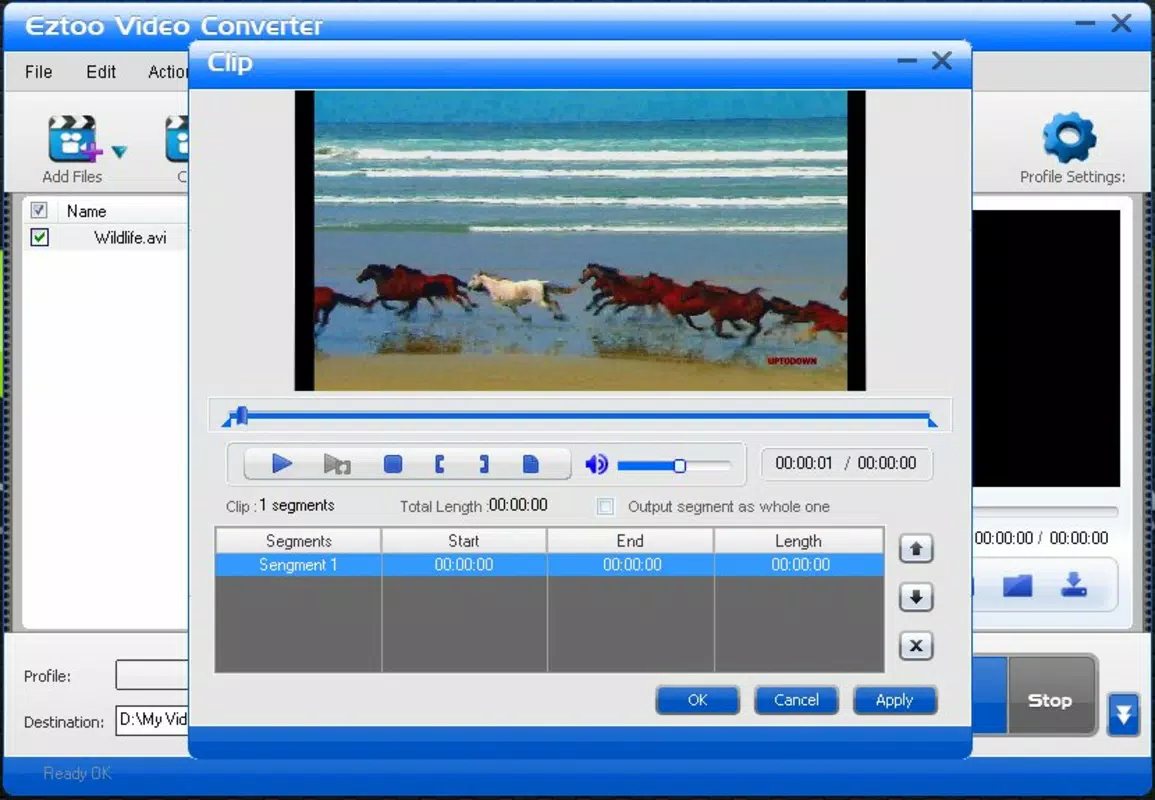
- Basic Editing Features: The built-in editor allows users to cut video segments, combine clips, adjust audio levels, and extract audio from video files. These tools enhance the user’s ability to refine content before conversion.
- Fast Conversion Speed: The application is optimized for efficient processing, minimizing wait times during conversion. This performance benefit ensures a smooth user experience, particularly when handling multiple files.
For example, a user preparing a video presentation for a conference can use the batch conversion feature to convert several recorded sessions into MP4 format simultaneously. The editing tools allow them to trim irrelevant segments and adjust audio levels before finalizing the output.
Interface, UX & Performance
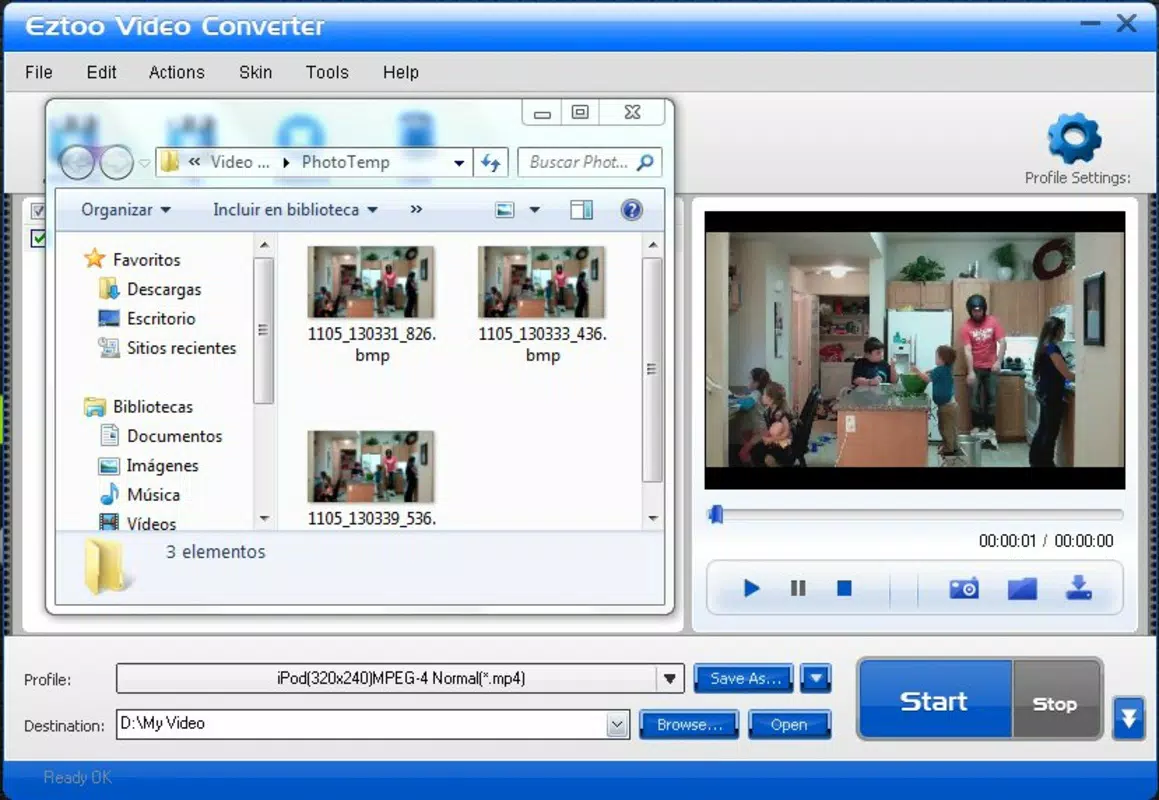
The interface of Eztoo Video Converter is clean and minimalistic, focusing on core functionality without clutter. Navigation is straightforward, with clearly labeled buttons for adding files, selecting output formats, and initiating conversion. The layout prioritizes usability, placing essential controls within easy reach of the user.
Visual design elements are functional rather than decorative, which aligns with its utility-focused purpose. The application maintains a consistent look and feel across all operations, contributing to a predictable user experience. Users can expect intuitive workflows, especially when using drag-and-drop functionality to load files.
Although the developer did not list formal performance metrics, the application’s reported fast conversion speed suggests efficient resource utilization. It operates smoothly on standard PC hardware, though specific requirements were not disclosed. Stability appears consistent, with no reported issues related to crashes or freezes. Responsiveness is adequate for basic conversion tasks, though advanced operations may vary depending on system configuration.
Platform Compatibility & Technical Requirements
Eztoo Video Converter is designed for the PC platform and does not currently support mobile operating systems. The application runs on Windows-based systems, though specific OS versions were not listed by the developer. The file size is 15.5 MB, indicating a lightweight footprint that does not impose significant storage demands.
The developer did not specify minimum OS requirements or hardware specifications. As such, users should ensure compatibility with their system environment before installation. The application is available for free, making it accessible to a wide audience without financial barriers.
Pros and Cons
Pros
- Free to download and use, making it accessible for all users.
- Supports a wide range of video formats, enhancing device compatibility.
- Batch conversion allows efficient processing of multiple files.
- Intuitive interface suitable for beginners and non-technical users.
- Includes basic editing tools for quick adjustments before conversion.
Cons
- Platform is limited to PC; no mobile version available.
- Specific system requirements were not disclosed.
- Advanced editing features are not included.
- Developer did not provide detailed update history or release notes.
- No cloud integration or automatic sync capabilities.
FAQ
Is Eztoo Video Converter safe to download?
The application is available for free and has been in use since 2013. While the developer did not provide security details, its long-standing presence suggests a stable release history.
Can I convert videos to MP4 format using this tool?
Yes, Eztoo Video Converter supports conversion to MP4, along with other common formats such as AVI and MKV.
Does the app support batch conversion?
Yes, users can select multiple video files and convert them simultaneously, saving time and effort.
Is there a mobile version of Eztoo Video Converter?
Currently, the application is only available for PC. No mobile versions for Android or iOS have been released.
How often is Eztoo Video Converter updated?
The developer did not provide information about update frequency or release history.
Final Thoughts
Eztoo Video Converter remains a practical and accessible tool for users needing to convert video files across different formats. Its combination of wide format support, batch processing, and basic editing features makes it a solid choice for everyday media management. While it lacks advanced capabilities and mobile compatibility, its simplicity and free access offer strong value for users who prioritize ease of use over complex functionality.
Those who frequently work with video files on a PC—such as content creators, educators, or home users—will benefit most from its straightforward workflow. The tool’s efficiency and low system requirements make it ideal for older or mid-range machines.
Download Eztoo Video Converter now


